Creative Design Course
Desktop Publishing
Master graphic design and page layout with Adobe Photoshop, Illustrator, InDesign, and CorelDRAW in our comprehensive 4-month DTP program
Master graphic design and page layout with Adobe Photoshop, Illustrator, InDesign, and CorelDRAW in our comprehensive 4-month DTP program
Desktop Publishing (DTP) is a comprehensive graphic design course that teaches you professional design software and techniques used in print media, digital marketing, and creative industries.
Learn industry-standard tools like Adobe Photoshop for image editing, Adobe Illustrator for vector graphics, Adobe InDesign for page layout, and CorelDRAW for professional graphic design.
Master Adobe Creative Suite & CorelDRAW
Create professional designs for your portfolio
Graphic designers are in demand everywhere
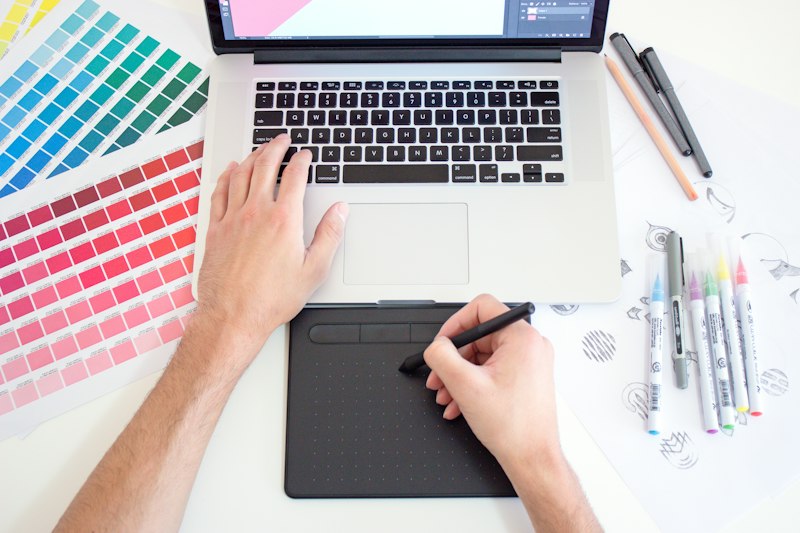
Industry-standard software used by professional designers worldwide
Photo Editing & Manipulation
Master professional photo editing, retouching, color correction, compositing, and digital painting with the world's #1 image editing software.
Vector Graphics & Logo Design
Create stunning vector graphics, logos, icons, illustrations, and typography for print, web, and mobile with industry-standard vector software.
Page Layout & Publishing
Design professional page layouts for books, magazines, brochures, flyers, and digital publications with the industry-standard layout tool.
Professional Graphic Design
Complete graphic design suite for creating logos, brochures, multi-page layouts, web graphics, and more with powerful vector illustration tools.
4-month intensive training covering all aspects of graphic design
Month 1 - Foundation
Month 2 - Photo Editing
Month 3 - Vector & Layout
Month 4 - Professional Projects
High-demand creative careers in design and publishing industries
Create visual concepts for print and digital media, working with advertising agencies and design studios.
Design layouts for newspapers, magazines, books, and other publications in print media houses.
Specialize in creating brand identities, logos, and visual branding for businesses and startups.
Design creative advertisements, banners, posters, and marketing materials for brands.
Professional photo editing and retouching for studios, e-commerce, fashion, and portrait photography.
Work independently on projects from clients worldwide through Upwork, Fiverr, Freelancer.
No prior experience needed! Our DTP course starts from basics covering design fundamentals, color theory, and gradually moves to advanced software training.
We provide software access in our computer labs. We'll also guide you on how to get trial versions or student licenses for home practice.
Absolutely! We teach you how to create portfolios, find clients on Upwork/Fiverr, and provide guidance on freelancing as a graphic designer.
You'll create real-world projects including logos, brochures, magazines, posters, social media graphics, and packaging designs for your portfolio.
DTP is specialized for creative fields like graphic design, advertising, and publishing, while DCA covers general computer applications. Choose based on your career interest.
DTP course is 4 months long. We offer flexible batches: Morning (9 AM - 12 PM), Evening (3 PM - 6 PM), and Weekend batches available.
Enroll in Expert IT Zone's DTP course and become a professional graphic designer in just 4 months!